Free during early access. No card to enter, no contract to sign.
Ask. Confirm. Get paid.
Your finances without the mess. Tell the assistant what you did, it drafts the invoice for you, you confirm, and your client pays by card.
One workspace, from quote to cash.
And the bills going out.
Quotes become invoices, invoices get paid, supplier bills are read and matched. Nothing is typed twice.
- Quote
- accepted from a link
- turns into an invoice
- sent on a schedule
- imported from CSV
- Invoice
- billed by milestone
- recurring
- tax per line
- your own design
- Collect
- card, via Stripe
- automatic reminders
- partial payments
- who owes what
- Pay
- bills read from a photo
- matched to the order
- approved within tolerance
- suppliers in one list
From one sentence
to a paid invoice.
Ask Flux AI, confirm the draft, and your client pays by card.
Invoice paid!
Marigold & Co. paid INV‑0042 by card
2:34 PM
Ask in
plain words.
Answers from your own records
$6,097.70
collected this week
Find anything
instantly
Built for every way
you get paid.
Ask for the invoice in one sentence. Your client pays by card from the link.
Your look, your records,
your team.
Pick a design, bring your records over, and invite the people who help you bill.
See everything in the module60+
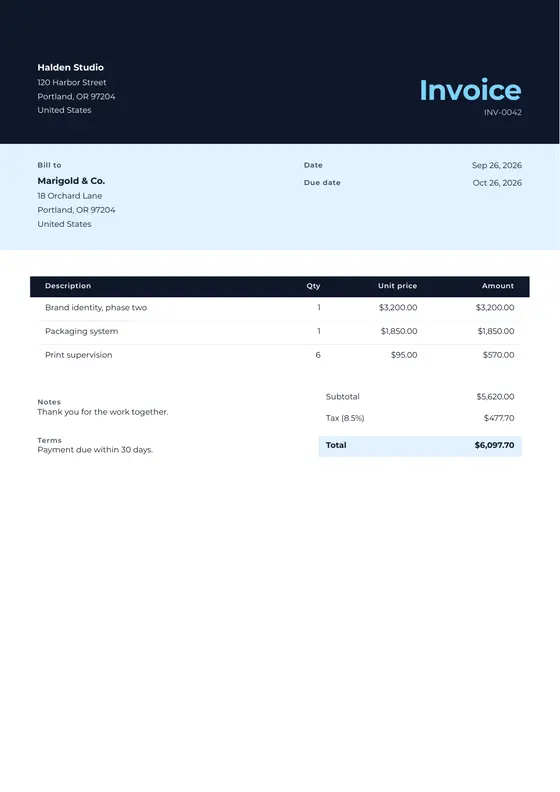
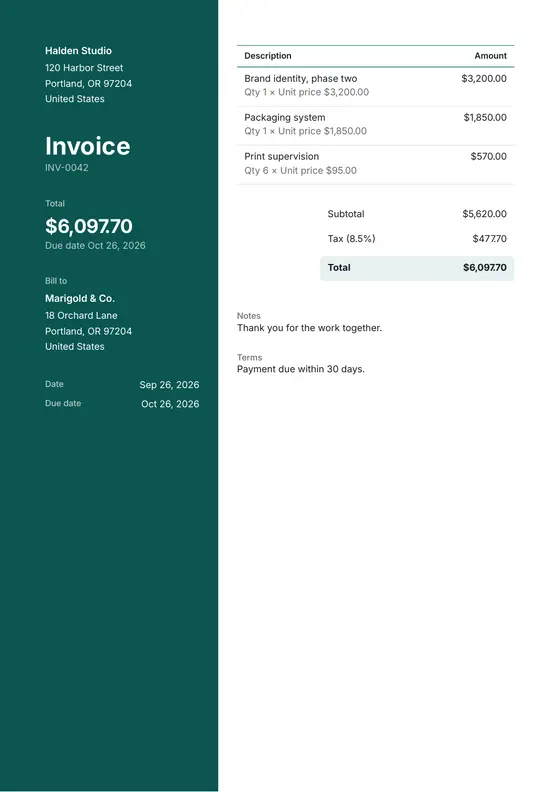
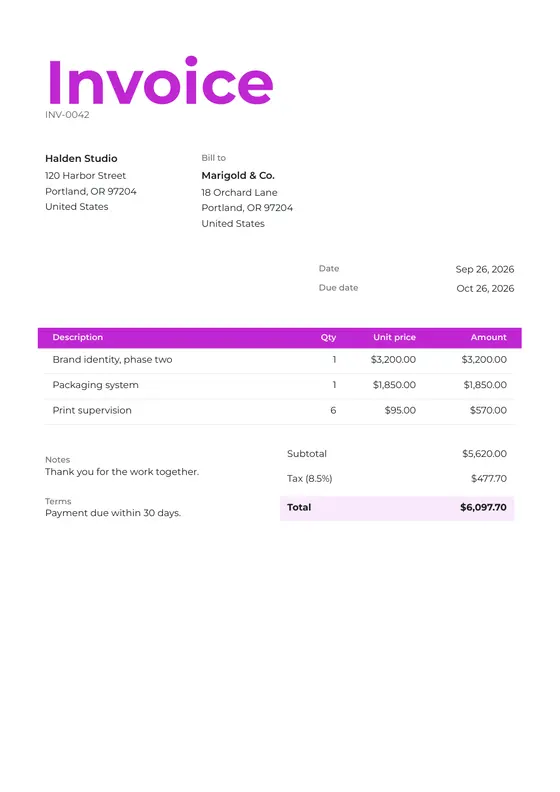
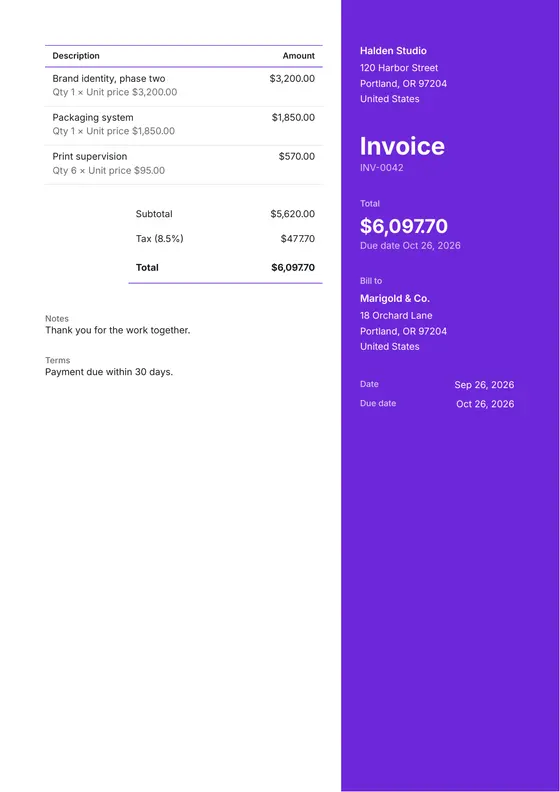
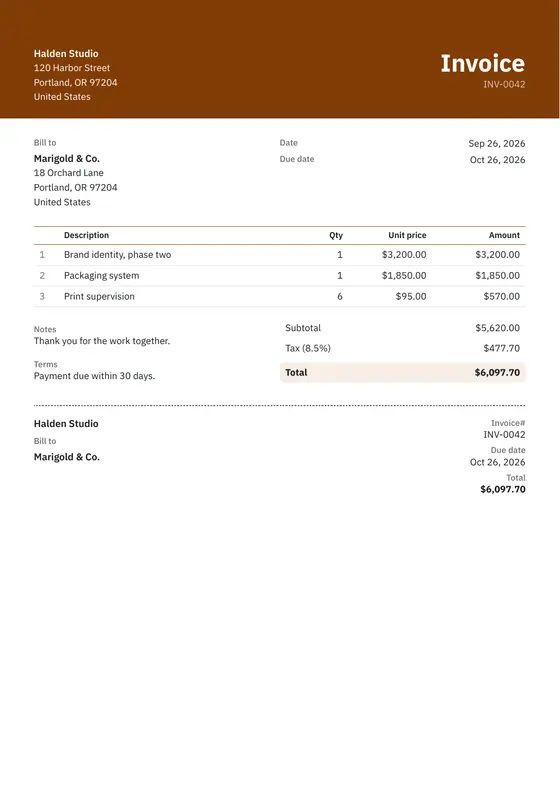
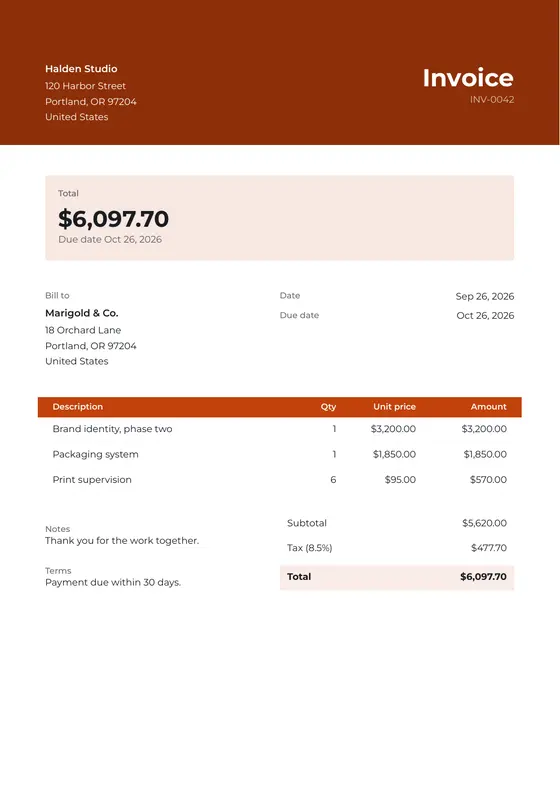
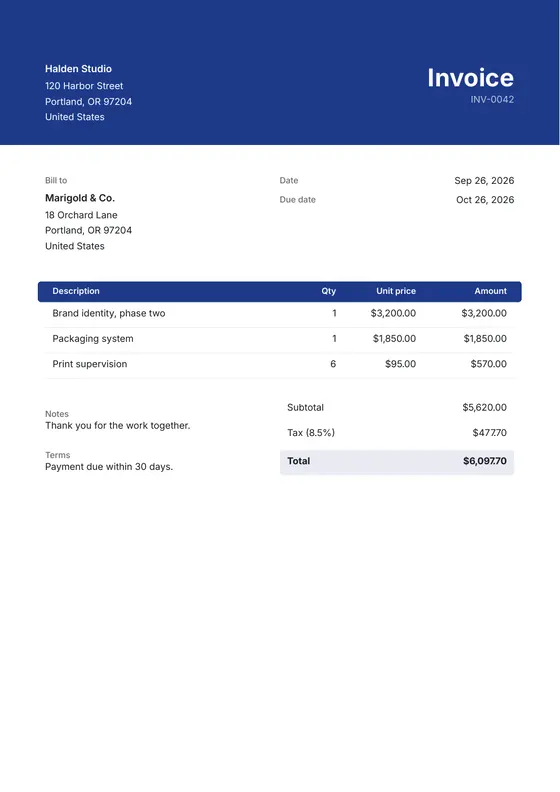
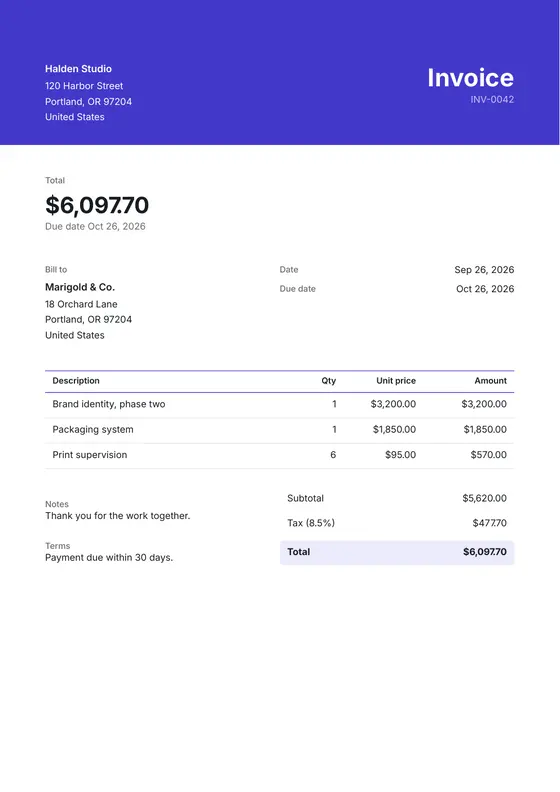
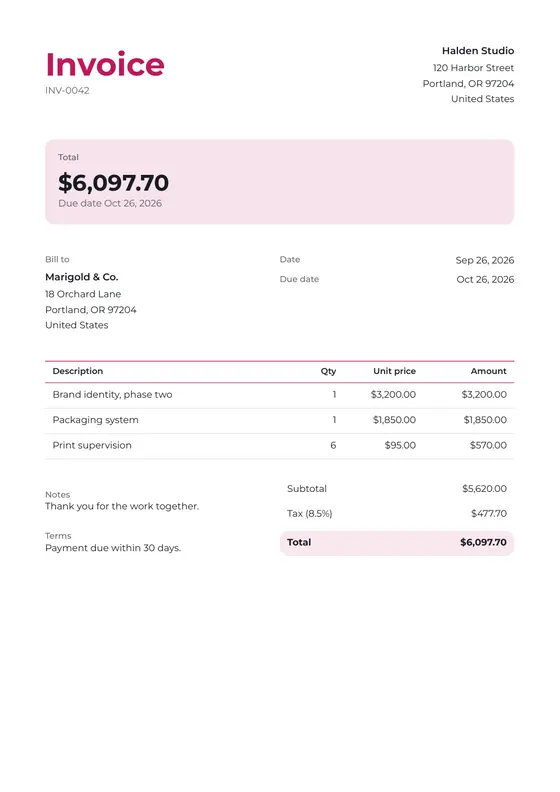
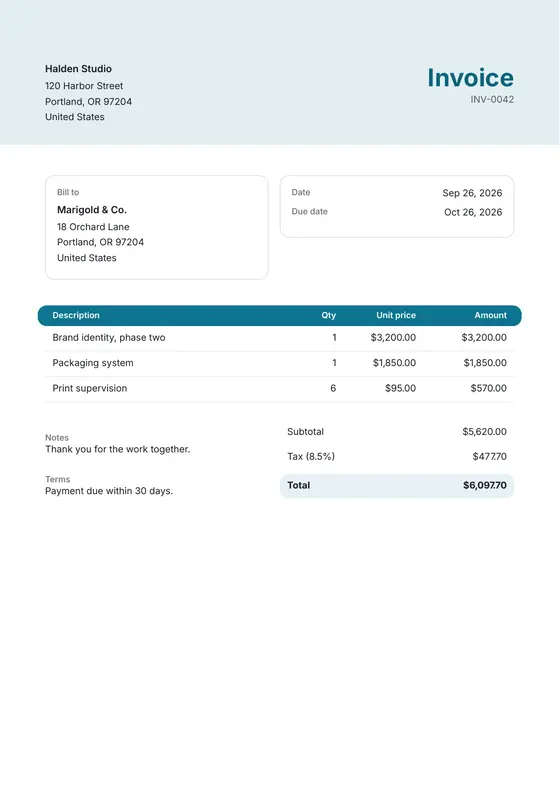
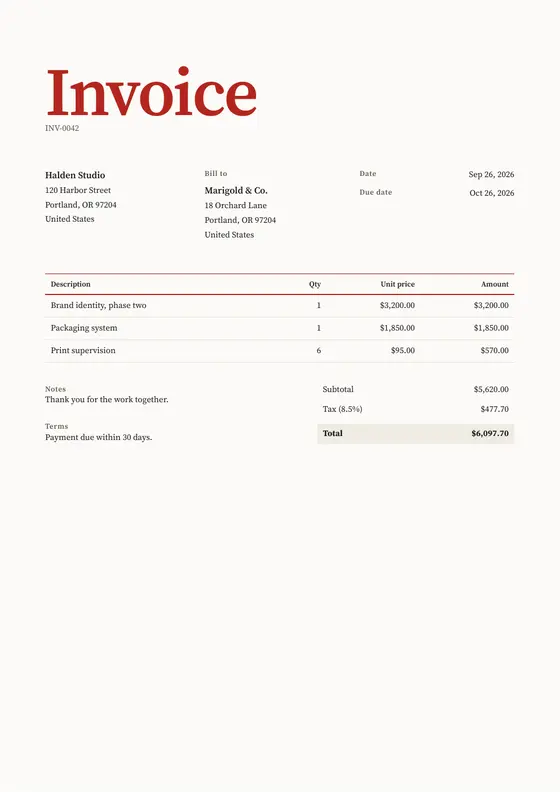
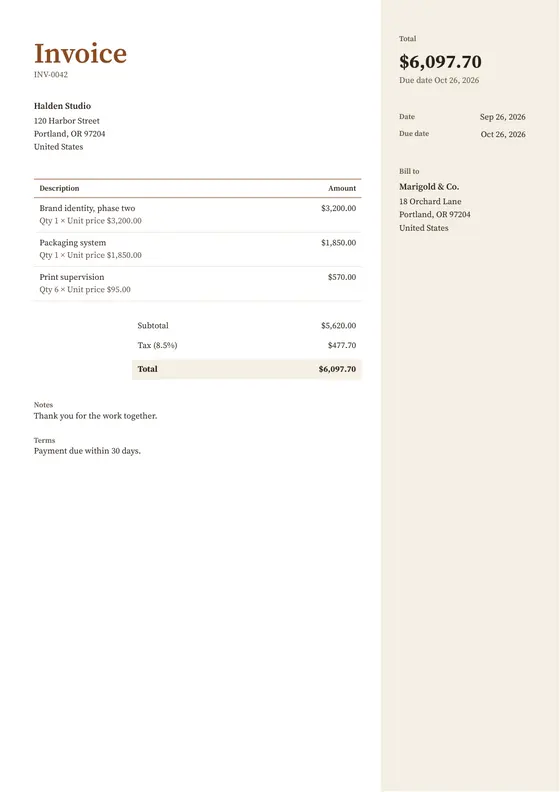
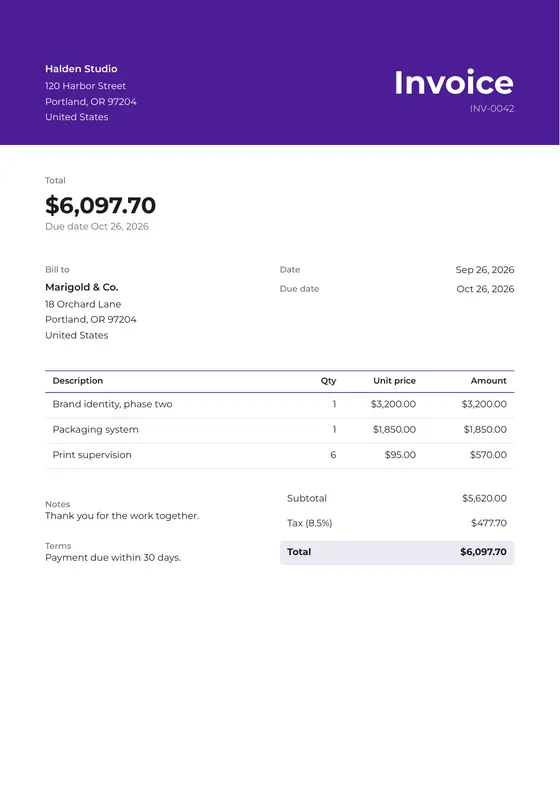
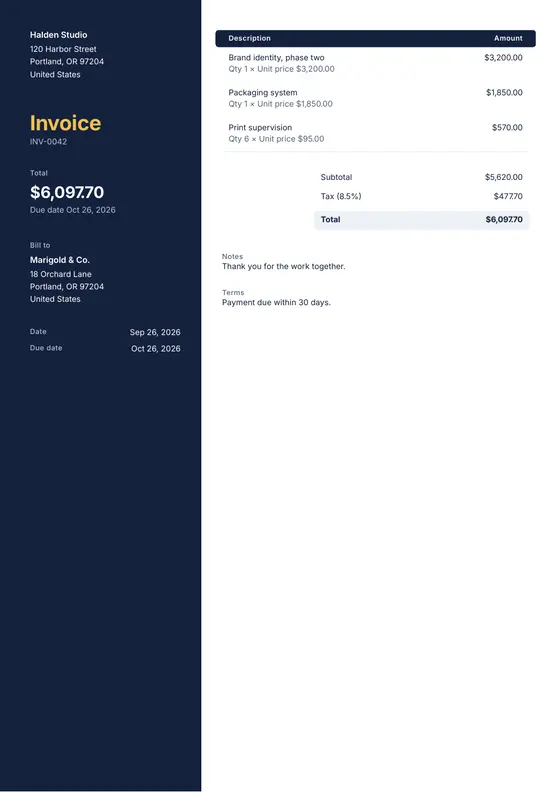
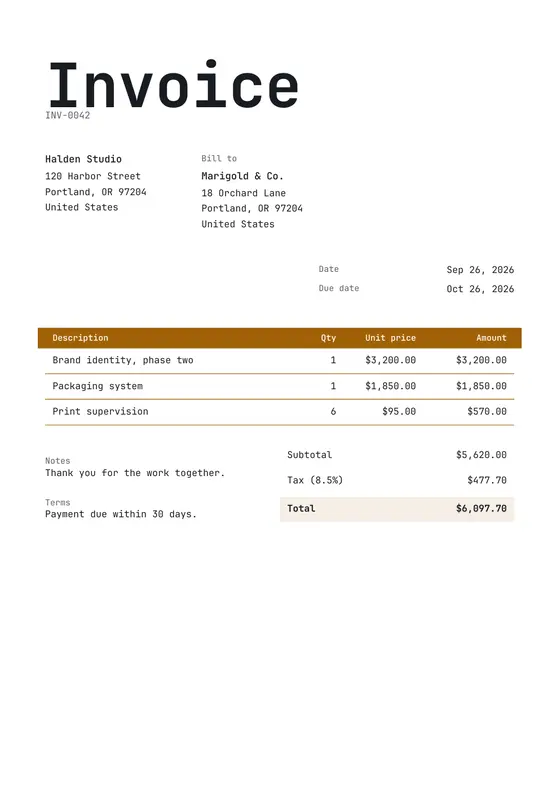
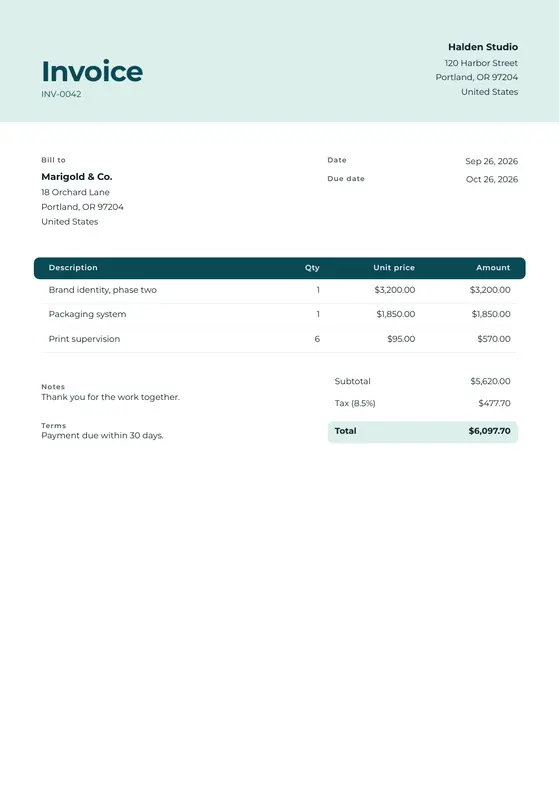
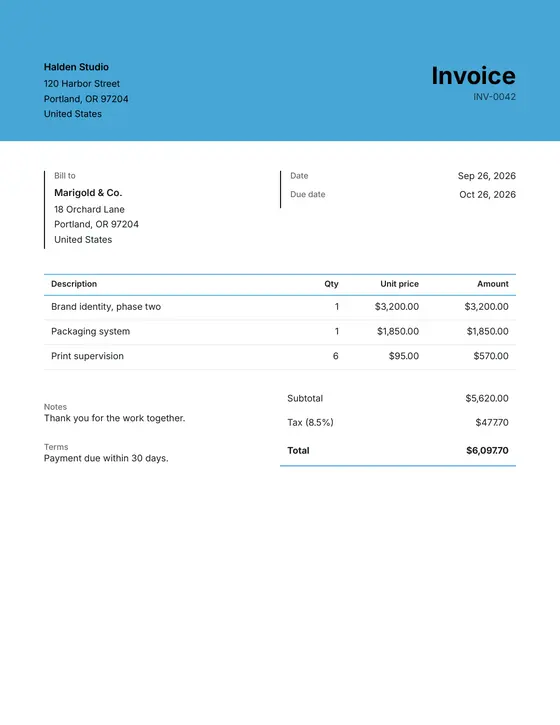
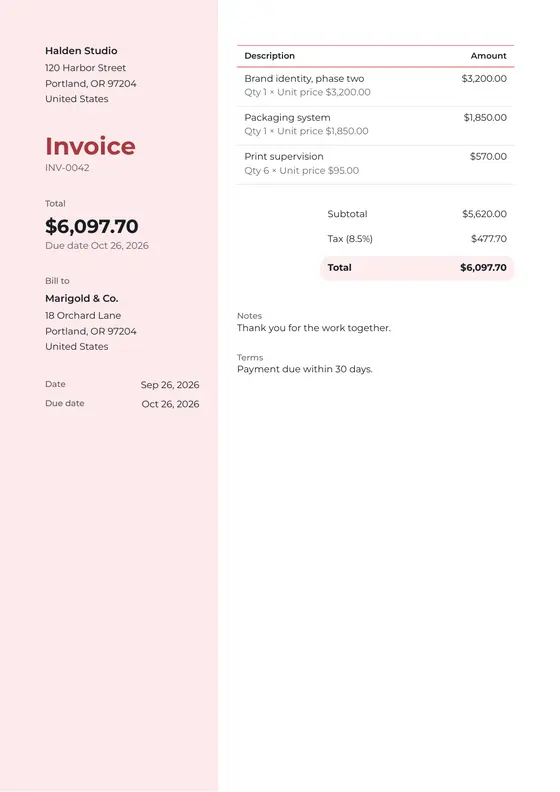
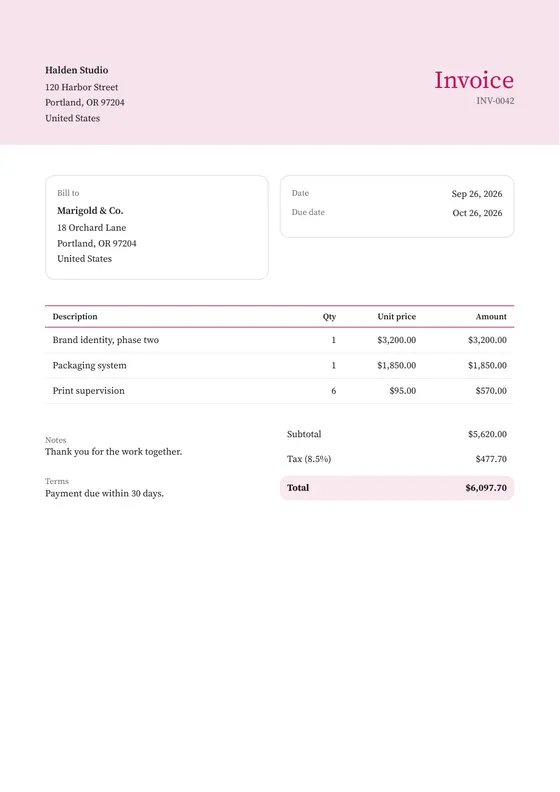
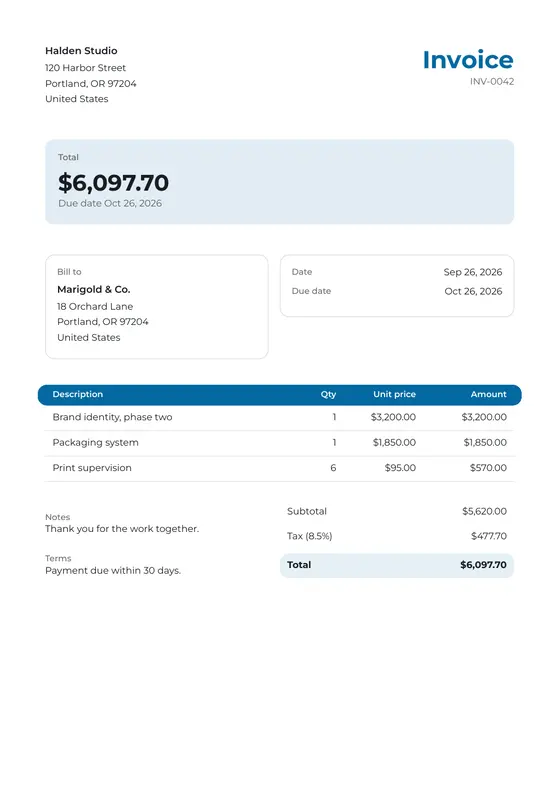
Invoice designs to start from. Or describe one, and the assistant lays it out.
1 CSV
Brings your clients, suppliers, invoices and quotes over from a spreadsheet.
3 roles
Owner, admin and member, across as many workspaces as you run.
Guarantees
What stays true after you hit Send.
The assistant drafts. Nothing is created, sent or charged until you confirm. Then all of this holds, today.
Finalize over the API
assigns the next number, stores the PDF, returns the pay link
$ curl -X POST $BASE/api/v1/invoices/{id}/finalize -H "Authorization: Bearer $TOKEN"
200 OK  { "status": "issued", "invoiceNumber": "INV-0042", "total": 609770, "publicToken": "yQdyGoz4N_r-YgiZv6FjU" }
- Numbers in sequence
- Allocated in order the moment an invoice is finalized. A number is retired only if you revert a finalized invoice to draft and delete it.
- Stored PDFs
- Rendered and stored when you finalize; your client’s link serves that file. Changing a finalized invoice means reverting it to draft, which clears the PDF and the link.
- Durable delivery
- A send that fails for a temporary reason retries on its own, up to five attempts. If the email bounces, the invoice shows why, with a Retry button.
- Account isolation
- Enforced where the data lives, not bolted on above it. Other accounts cannot see yours.
- Point-in-time recovery
- The database is backed up continuously and can be rolled back to an earlier point if something goes wrong.
- A documented API
- REST access to invoices and clients, with a spec you can generate a client from. Finalize returns the number and the pay link, as above.
Need an invoice in the next five minutes?
Free, and no account needed.
Pick a template, fill it in and download the PDF. Nothing is uploaded. To get paid by card, a free account sends it as a link.
Start with the job in front of you.
Free while we’re in early access. No card, no contract, an account you can walk away from at any time.
Do the job, close the tab.